1
Send work from your phone
Send tasks from your phone, pick the right agent, and let your desktop handle the work.
AiOrc connects your phone to Hermes, A2A, MCP, Claude Code, and other local agents. Send a task, check progress, and get results while you are away from your desk.
Your phone talks to your desktop through an encrypted relay. Your agents keep running on your own machine.
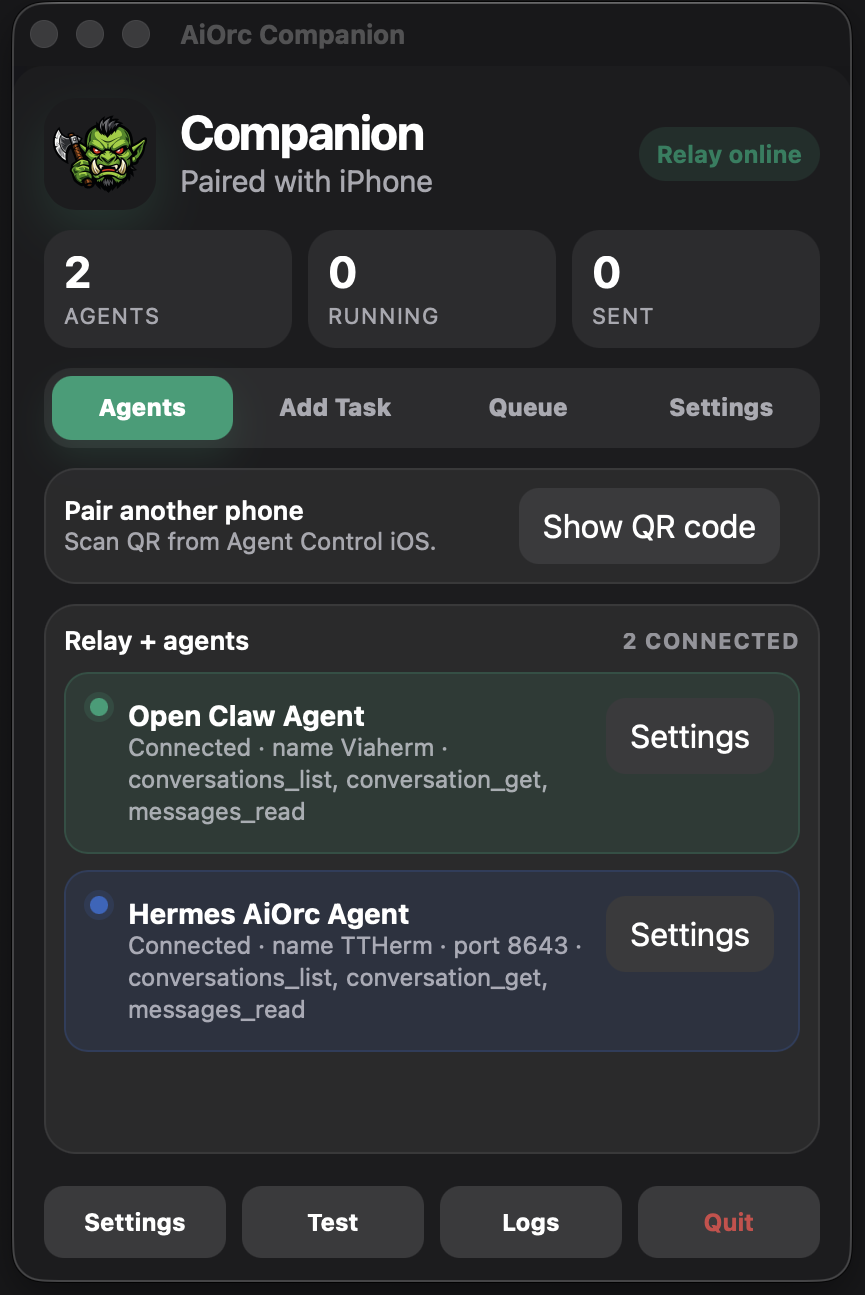
No more checking terminal tabs all day. AiOrc keeps your agents connected and easy to manage from anywhere.
Send tasks from your phone, pick the right agent, and let your desktop handle the work.
Use one Companion app to connect Hermes, A2A, MCP, and older HTTP agents.
No inbound port forwarding needed. Messages are encrypted, and agent runtime stays local.
You can quickly see status, tasks, pairing, and background activity.
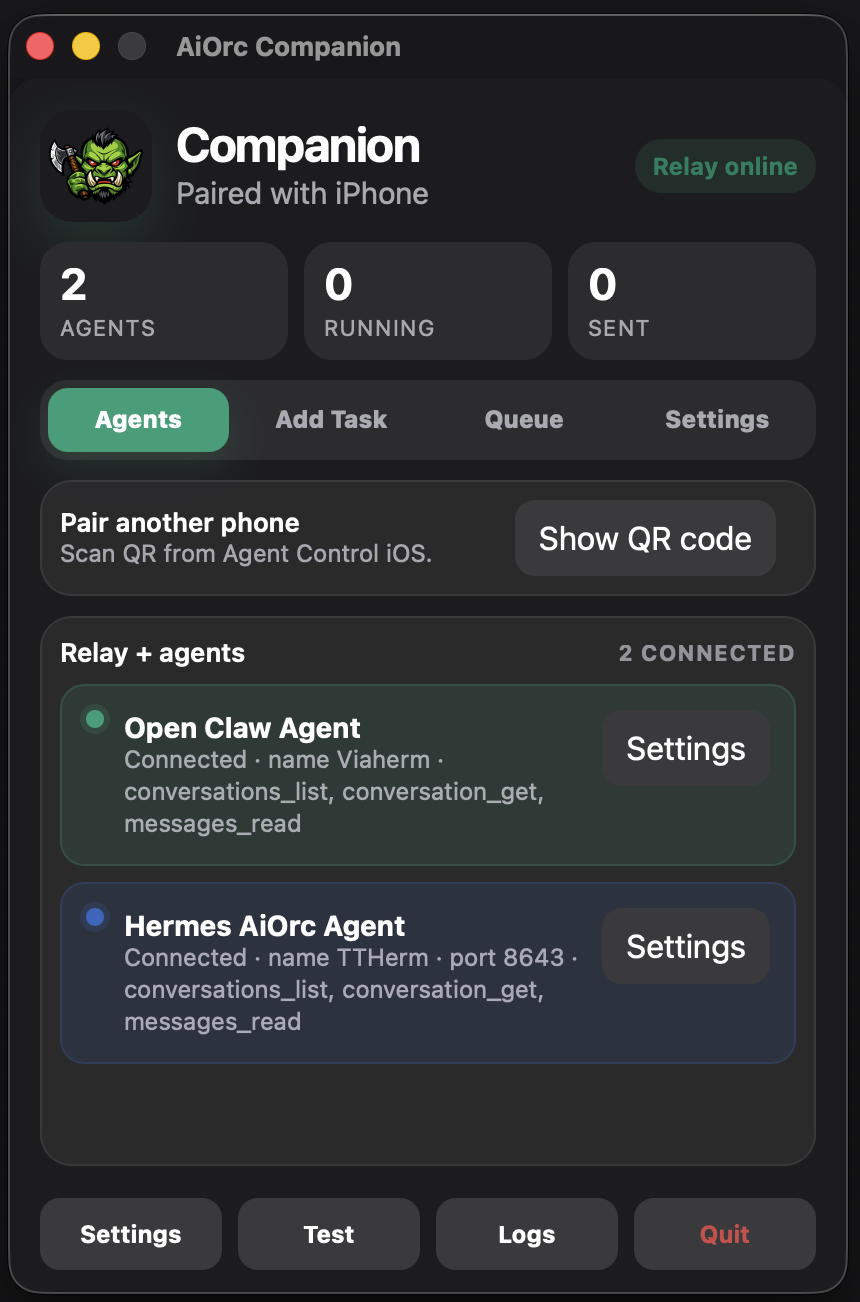
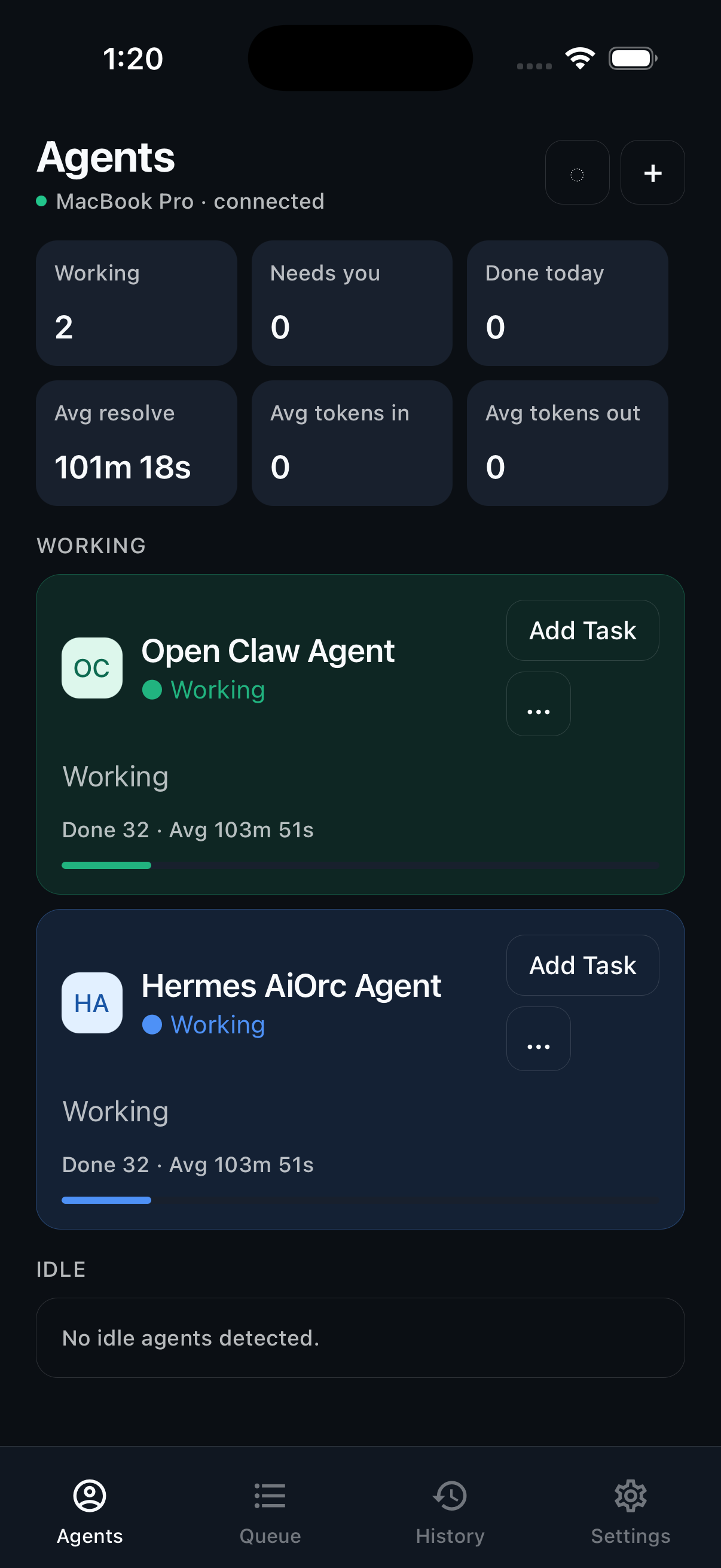
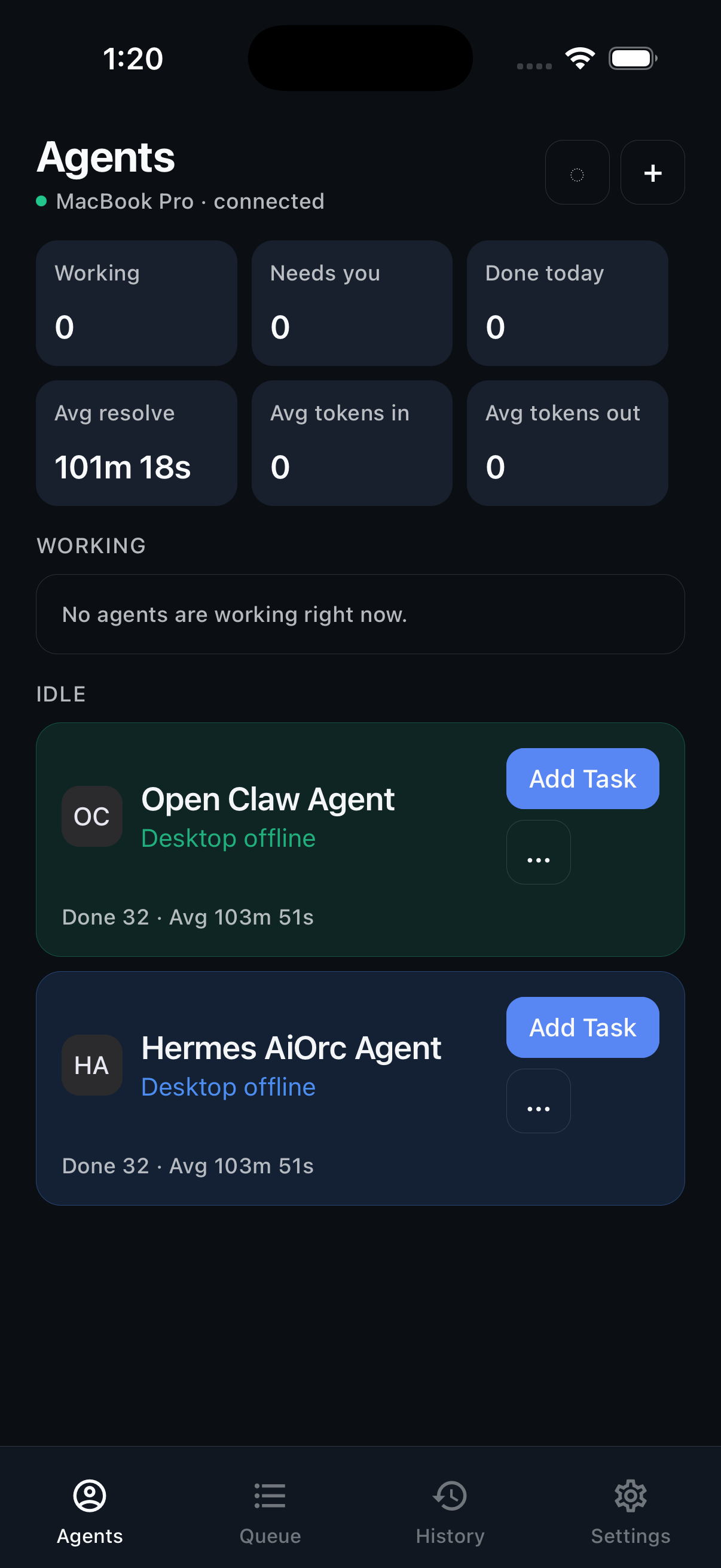
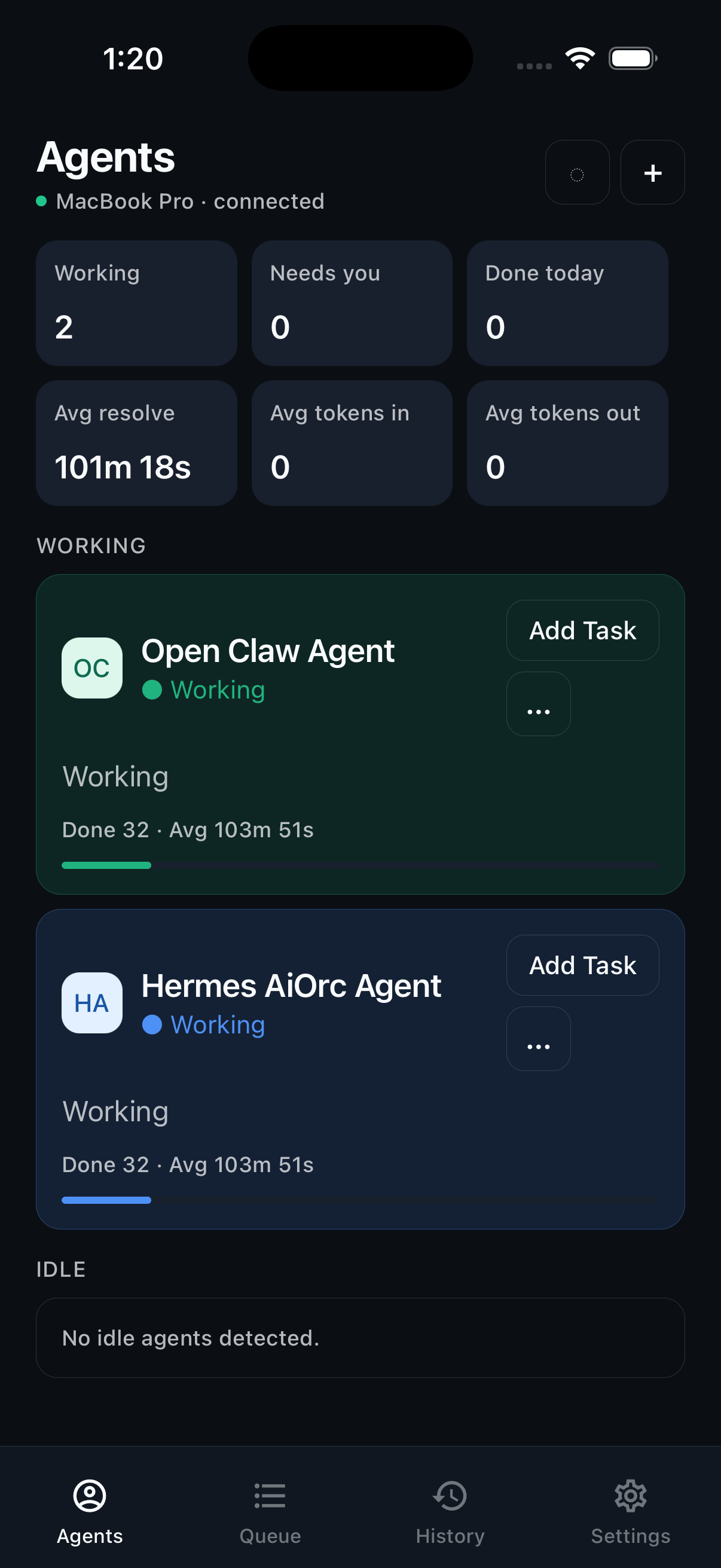
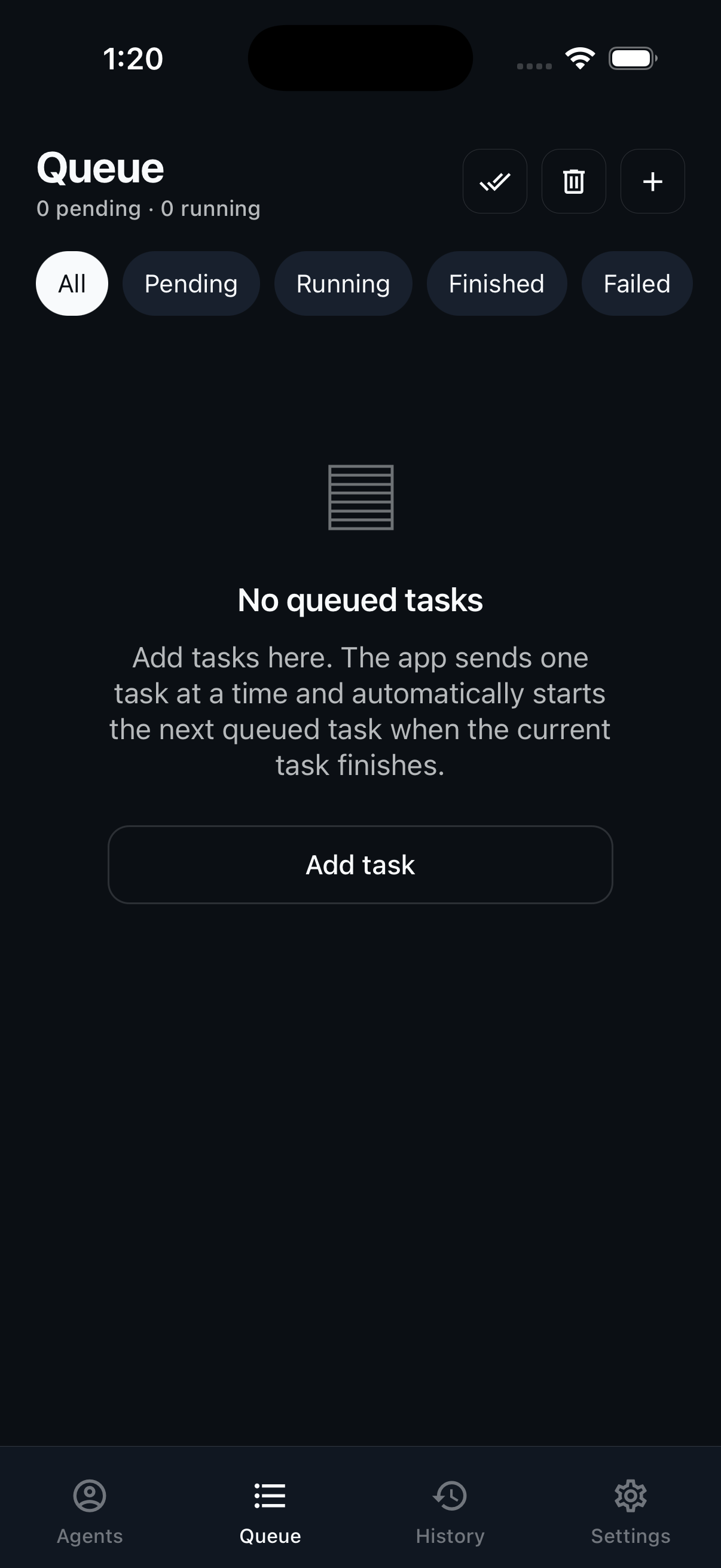
Pair your phone one time. After that, AiOrc keeps Companion connected in the background.
The desktop app finds your local agents and opens an outbound encrypted relay connection.
Pair your iPhone with a short-lived QR code or manual code. No router changes needed.
Queue work, approve actions, and get progress updates from your phone.
Run Hermes and OpenClaw on your own machine, then expose them to AiOrc through MCP or A2A. Toggle your OS below.
brew install node pnpm\npnpm add -g @nousresearch/hermes-agent\nhermes --version\nhermes serve --mcp --port 7901
python3 -m venv .venv && source .venv/bin/activate\npip install openclaw\nopenclaw serve --protocol a2a --host 127.0.0.1 --port 9001
winget install OpenJS.NodeJS\nnpm install -g pnpm @nousresearch/hermes-agent\nhermes --version\nhermes serve --mcp --port 7901
py -3.11 -m venv .venv\n.\.venv\Scripts\Activate.ps1\npip install openclaw\nopenclaw serve --protocol a2a --host 127.0.0.1 --port 9001
Choose the agent limit that fits you. Every plan includes Companion, the mobile app, encrypted relay, task queue, and status updates.
Good for one person running a small local agent setup.
For people running several coding, research, and automation agents.
For larger setups with many local and remote agents.
All plans include a 10 day free trial before billing starts.
No. Your agents stay on your desktop. AiOrc sends encrypted commands and status updates between your phone and Companion.
No. Companion opens an outbound connection to the relay, so setup works on normal home networks.
AiOrc works with Hermes, A2A-compatible agents, MCP flows, and older local HTTP/SSE adapters.
After 10 days, pick a plan by agent count: $12 for 5, $20 for 20, or $30 for 50 agents per month.
Start with a 10 day free trial and see how much easier work feels when your desktop agents are always reachable.
Start free trial