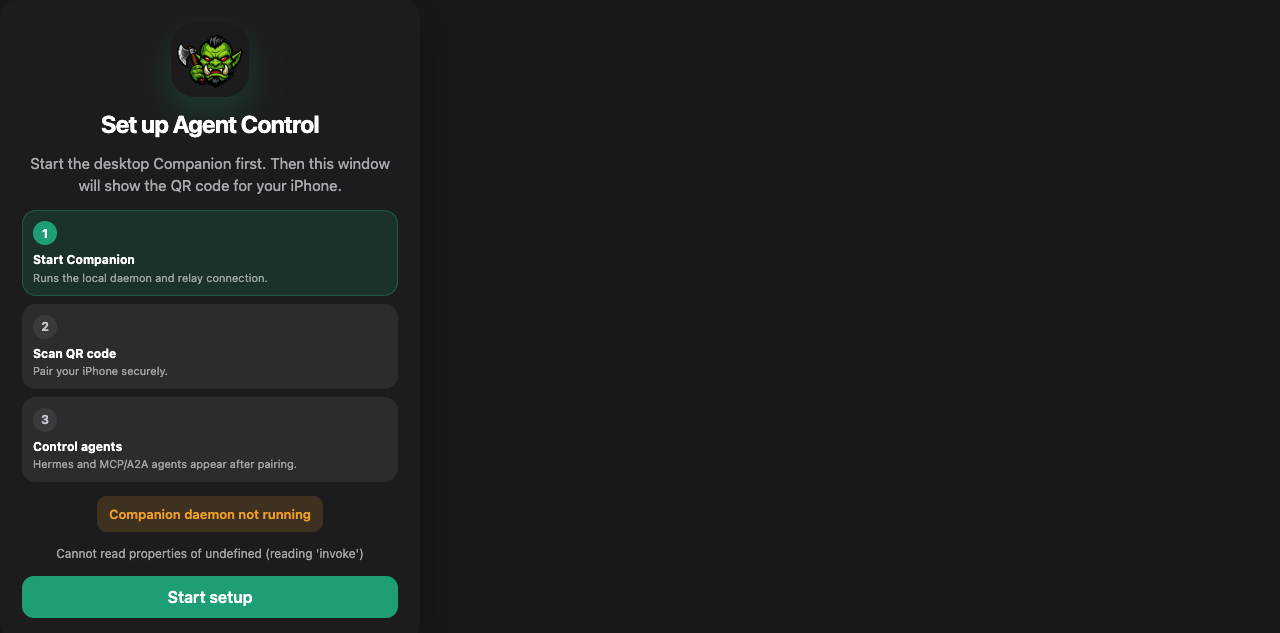
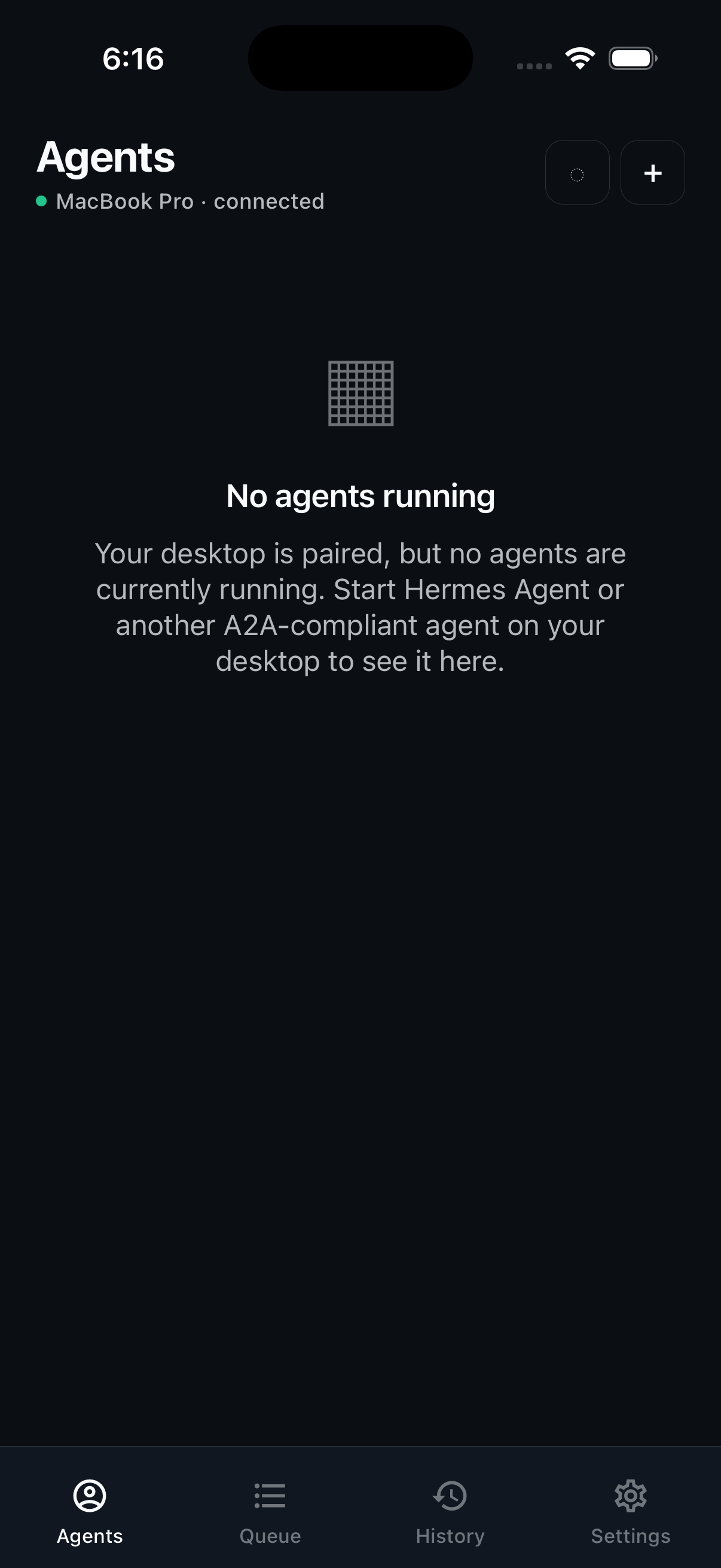
How to set up AiOrc Companion + iOS app
Follow this once: install Companion, log in, pair your phone, then send tasks from iOS to local agents.
1) Start Companion on your desktop
- Install and launch the Companion app.
- Make sure local API ports are free:
7901 and 7902.
- You should see the Companion dashboard and relay status.
2) Login to relay in Companion
- On setup screen, login with email + password.
- Companion verifies auth token + subscription access with relay.
- If needed, use device code/token fallback in advanced login.
3) Pair iOS app with Companion
- Open AgentControl on iPhone.
- Tap Pair / Scan QR.
- Scan the Companion QR code (or enter manual code).
- Wait for paired confirmation.
4) Verify agent connectivity
- In Companion, confirm agents are visible and online.
- In iOS app, open Agents tab and confirm same agents appear.
- Send a small test task and verify it moves from queued → working → complete.